Microsoft Game Pass is a special subscription service for people who love video games. It works a lot like a movie streaming service but for playing games instead. You pay a small fee every month to access a huge library of titles. You can download these games directly to your Xbox console or your personal computer. This means you do not have to buy every single game individually anymore. It saves you a lot of money while letting you try new things every week. Many people call it the best value in the entire gaming world today.
How the Subscription Works for Beginners
Starting with Microsoft Game Pass is very easy for anyone to understand. First, you choose a plan that fits your needs best. Some plans are just for consoles, while others are specifically for PC users. There is also a top tier called Ultimate that gives you everything in one package. Once you subscribe, you simply browse the store and pick a game you like. You click install, wait for it to finish, and start playing immediately. As long as your subscription is active, you can play as much as you want.
Exploring the Huge Library of Games
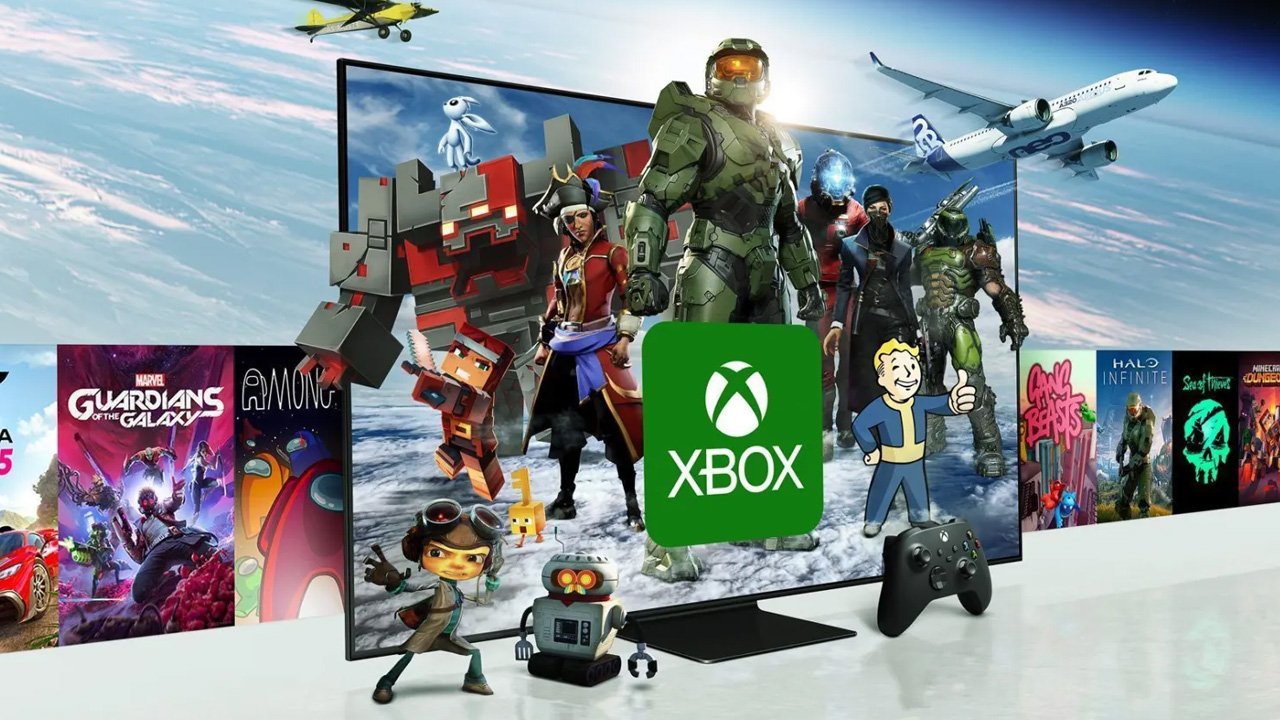
The library inside Microsoft Game Pass is truly impressive and changes all the time. You will find famous games like Halo, Forza, and Minecraft ready to play. There are also many smaller games made by independent creators that are very fun. Microsoft adds new games to the list every single month to keep things fresh. Sometimes, games leave the service, but you usually get a warning before that happens. It feels like having a giant toy box that never runs out of new surprises. You will always find something fun to play regardless of your age.
Play New Games on Release Day
One of the coolest features of Microsoft Game Pass is day-one access. This means when Microsoft makes a brand new game, you get it the same day it hits stores. You do not have to pay $70 to play the latest big adventure. This is a huge benefit for gamers who want to stay up to date. It allows you to join the conversation with your friends right away. Saving that much money on new releases makes the subscription pay for itself very quickly. It is a game changer for families who want to save money.
Understanding the Different Plan Options
Microsoft Game Pass offers a few different choices depending on how you play. The PC version is perfect if you enjoy playing on a laptop or desktop computer. The Core version is a basic choice for players who mostly want to play online. If you want the best experience, the Ultimate plan is the way to go. It includes console games, PC games, and even cloud gaming features. Cloud gaming lets you play on your phone or tablet without a console. Picking the right plan helps you get the most value for your hard-earned cash.
Why Microsoft Game Pass is Great for Families
Families love Microsoft Game Pass because it offers something for everyone in the house. There are educational games, sports games, and fun puzzles for younger children. Parents can feel good knowing there is a wide variety of safe content available. You can also use parental controls to manage what your kids are playing. Instead of buying one game that a child might get bored with, they have hundreds. This variety keeps kids entertained for a long time without extra costs. It is a very smart way to manage a family entertainment budget.
The Power of Cloud Gaming Technology
Cloud gaming is a futuristic part of Microsoft Game Pass that feels like magic. It allows you to stream games over the internet to your devices. You do not need a powerful computer or a console to enjoy high-end graphics. This is perfect for people who travel a lot or have older hardware. You can start a game on your console and finish it on your phone. It uses the power of big servers to do all the hard work for you. All you need is a fast internet connection to start your next adventure.
How to Cancel or Change Your Plan
Microsoft makes it very simple to manage your Microsoft Game Pass account at any time. You can turn off the monthly billing through the official website or your console. There are no long-term contracts that force you to stay subscribed forever. If you find you are not playing much one month, you can simply take a break. You can jump back in whenever a new game catches your eye. This flexibility is why so many people trust the service for their gaming needs. It puts the power back into the hands of the player.
Tips for Getting the Most Value
To get the most out of Microsoft Game Pass, you should explore different genres. Don’t just stick to the games you already know and love. Try a racing game or a puzzle game you have never heard of before. Check the “Leaving Soon” section to play games before they disappear from the library. You can also earn reward points just by playing games every day. These points can be traded for gift cards or more months of your subscription. Being active in the app helps you find hidden gems you might otherwise miss.
Staying Connected with Friends Online
Gaming is always more fun when you share the experience with your friends. Microsoft Game Pass makes it easy to find games you can play together. Many titles support cross-play, so friends on PC and Xbox can join the same match. You can team up to build worlds or compete in friendly races. The service also includes a way to chat and share your best moments. It creates a community where everyone can play together regardless of their budget. Sharing a subscription experience makes it much easier to coordinate game nights.
Conclusion
Microsoft Game Pass is truly a revolution for anyone who enjoys playing digital games. It removes the high cost of entry for new titles and offers endless variety. Whether you are a hardcore player or just play for fun, there is value here. You get to explore worlds you never imagined for the price of a few cups of coffee. It is the perfect time to sign up and see what the excitement is all about. Start your first download today and find your new favorite game in the massive library.
Frequently Asked Questions
What is the difference between Ultimate and Core?
The Ultimate plan includes everything like PC games, console games, and cloud gaming. The Core plan is a basic version that mainly allows for online multiplayer on consoles. Ultimate is better for people who want the full experience on every device.
Can I play the games offline?
Yes, you can play most downloaded games offline on your main console or PC. However, you need to connect to the internet once every thirty days. This helps the system verify that your subscription is still active and valid.
Do I own the games forever?
No, you do not own the games you play through the subscription. It is like a rental service where you have access as long as you pay. If you want to own a game, you can buy it at a discount.
Does it work on a Mac computer?
You cannot download and install the games directly on a Mac computer. However, you can use the cloud gaming feature to play through a web browser. This allows Mac users to enjoy many of the same great titles.
Are new games added every day?
New games are not added every day, but they are added several times a month. Microsoft usually announces these updates in two waves to keep players excited. You can always check the “Recently Added” section to see what is new.
What happens to my save data if I cancel?
Your save data is stored safely in the cloud even if you cancel your subscription. If you decide to resubscribe later, you can pick up exactly where you left off. You will not lose any of your progress or achievements.